
A Private Journal That Never Leaves Your iPhone
"Private" gets used loosely by a lot of apps. Here's exactly what it means for MyLife: Timeline Journal, with nothing glossed over.
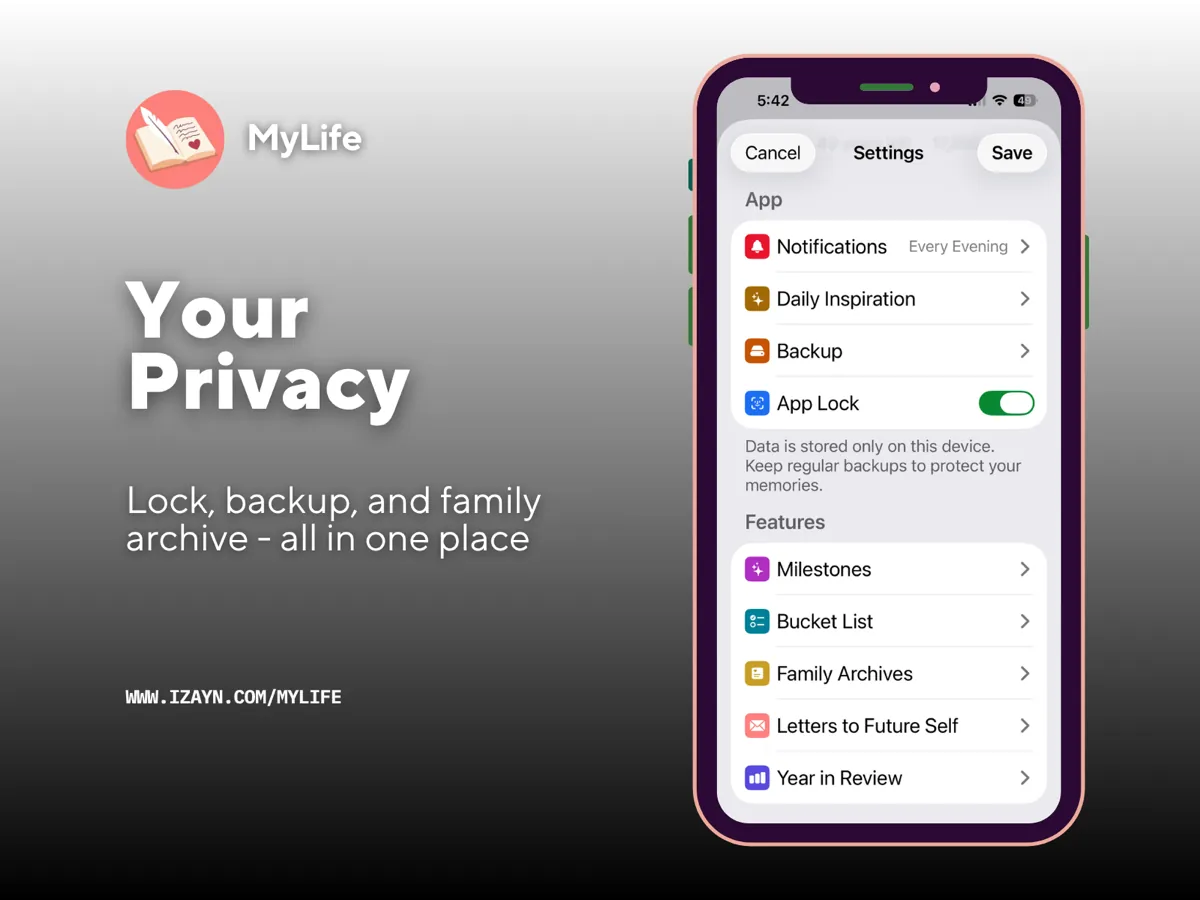
What "on-device" actually means here
Every entry you write in MyLife: Timeline Journal — text, photos, videos, audio, mood, location — is stored locally on your iPhone using Apple's SwiftData framework. There's no database sitting on a server somewhere with your name on it, because there's no server involved at all.
The only things the app ever talks to the internet for are App Store purchase verification and checking for app updates. Your journal itself is never part of that conversation.
What doesn't happen
- • No iCloud sync of your journal entries
- • No CloudKit, no external database
- • No accounts, no sign-up, no login screen
- • No analytics or tracking on anything you write
Voice-to-text entries are transcribed entirely on-device using Apple's Speech framework — the audio is never sent anywhere to be processed.
The tradeoff worth knowing about
Being fully offline cuts both ways. If you delete MyLife: Timeline Journal from your phone without backing up first, that data is genuinely gone — there's no account to log into on a new device to get it back, because there was never an account in the first place.
Backup is manual, by design: export your entries to your iPhone's own storage, or share a backup file through the standard iOS share sheet — AirDrop, email, or any cloud service you already use. Nothing backs up automatically in the background, which means nothing is quietly leaving your device without your say-so either.
Locking it down further
On top of never leaving your device, your journal can be protected with Face ID, Touch ID, or your device passcode — so even someone holding your unlocked phone can't open it without that extra check.
Why this matters for a journal specifically
A journal is usually the most honest thing a person writes. It's where you say the thing you wouldn't say anywhere else. That's exactly the kind of writing that shouldn't have a company sitting between you and the page.
Questions people ask about this
Is there a private diary app that doesn't collect data?
Yes. MyLife: Timeline Journal stores every entry only on your iPhone, with no accounts, no cloud storage, and no analytics collected on your journal content.
Is there an offline journal app for iPhone?
MyLife: Timeline Journal works entirely offline. Writing, editing, and reading entries never requires an internet connection, since nothing is stored anywhere but your device.
Can I use a journal app without creating an account or logging in?
Yes. MyLife: Timeline Journal has no account system and no login of any kind. You open the app and start writing.
Keep your journal private
MyLife: Timeline Journal — a private, offline journal for iPhone. One-time purchase, 30-day free trial.
Try Free for 30 DaysSee your Life Battery · What is a life timeline? · Preserve a loved one's story · Write to your future self · See how the Life Grid works · Seal a Time Capsule · ← Back to MyLife: Timeline Journal